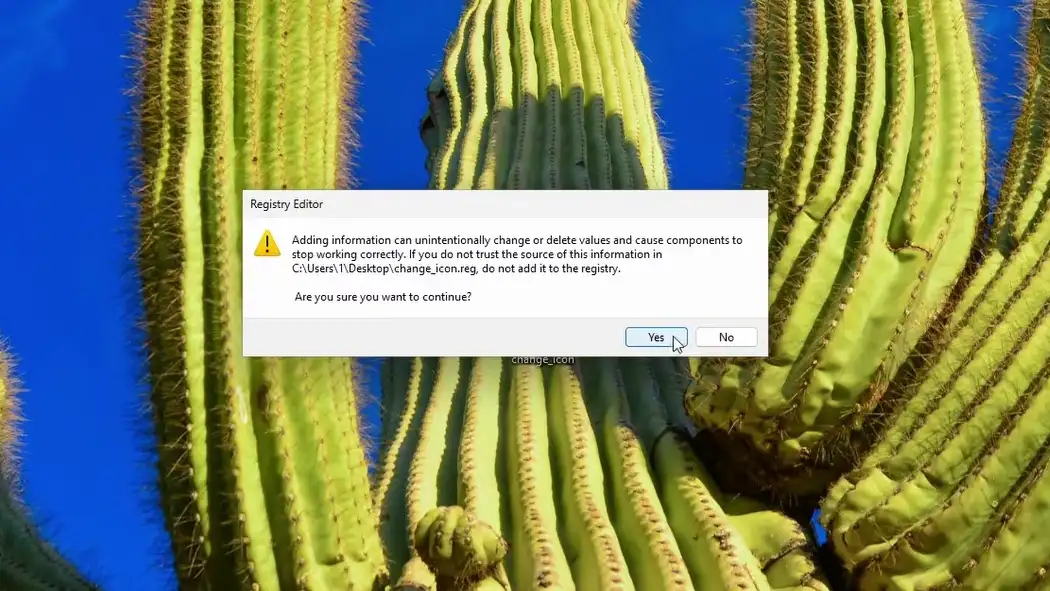
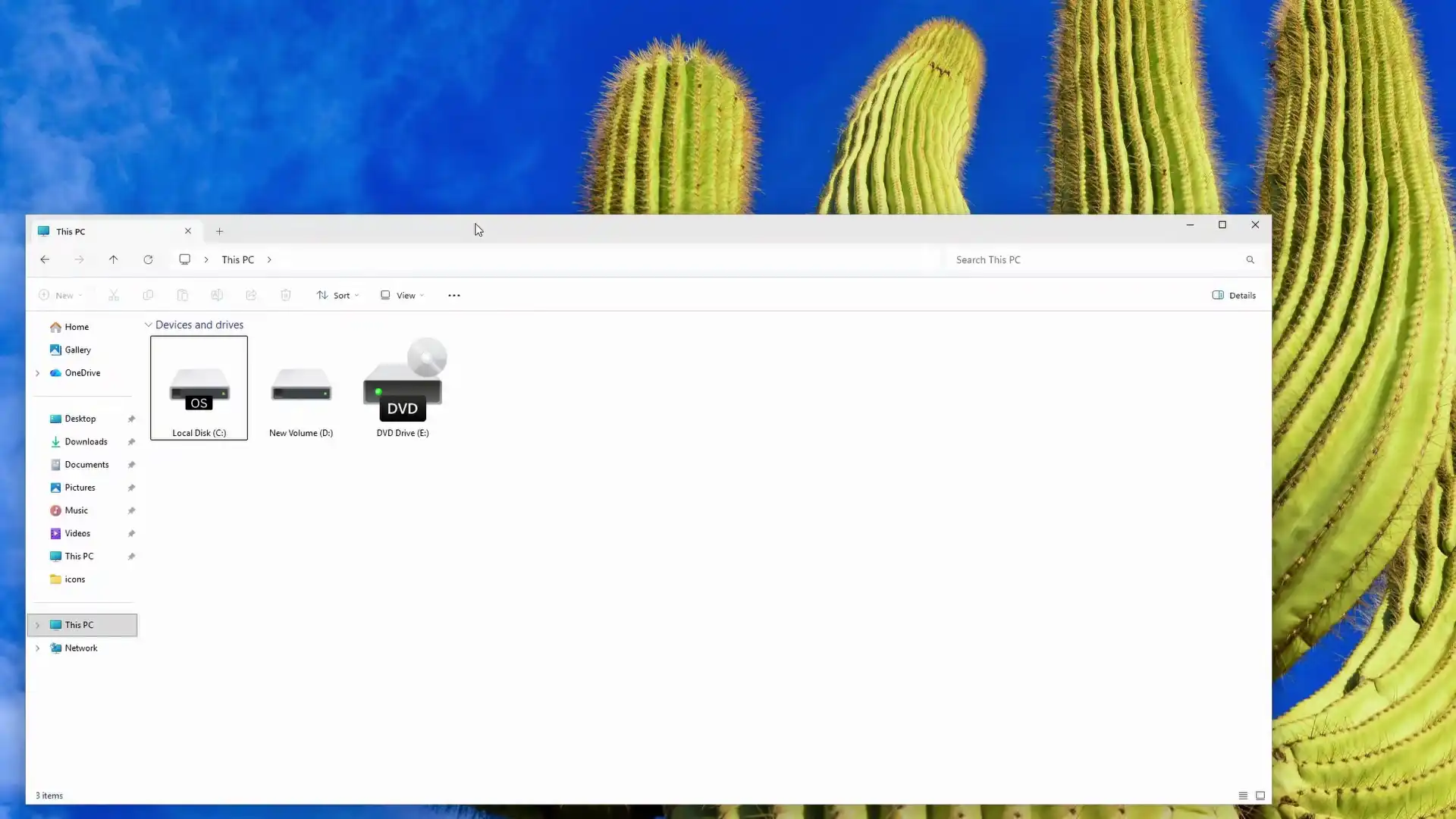
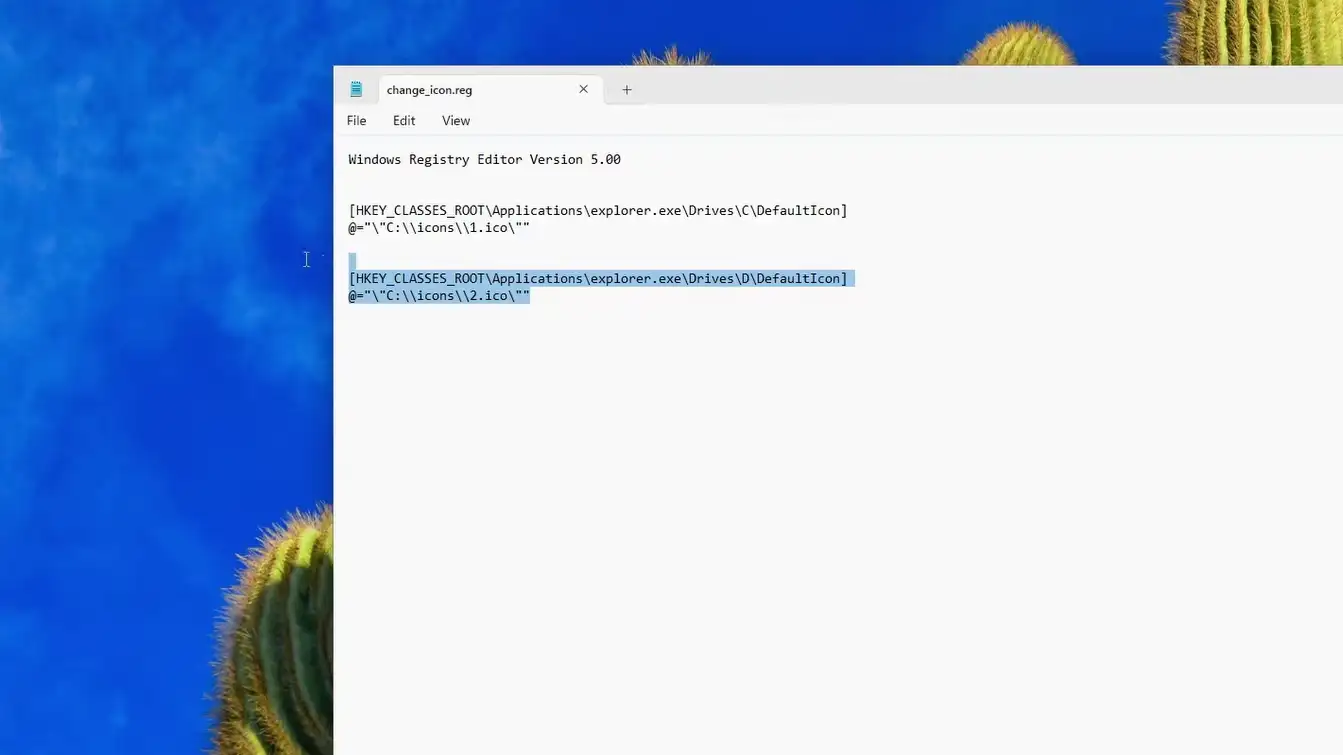
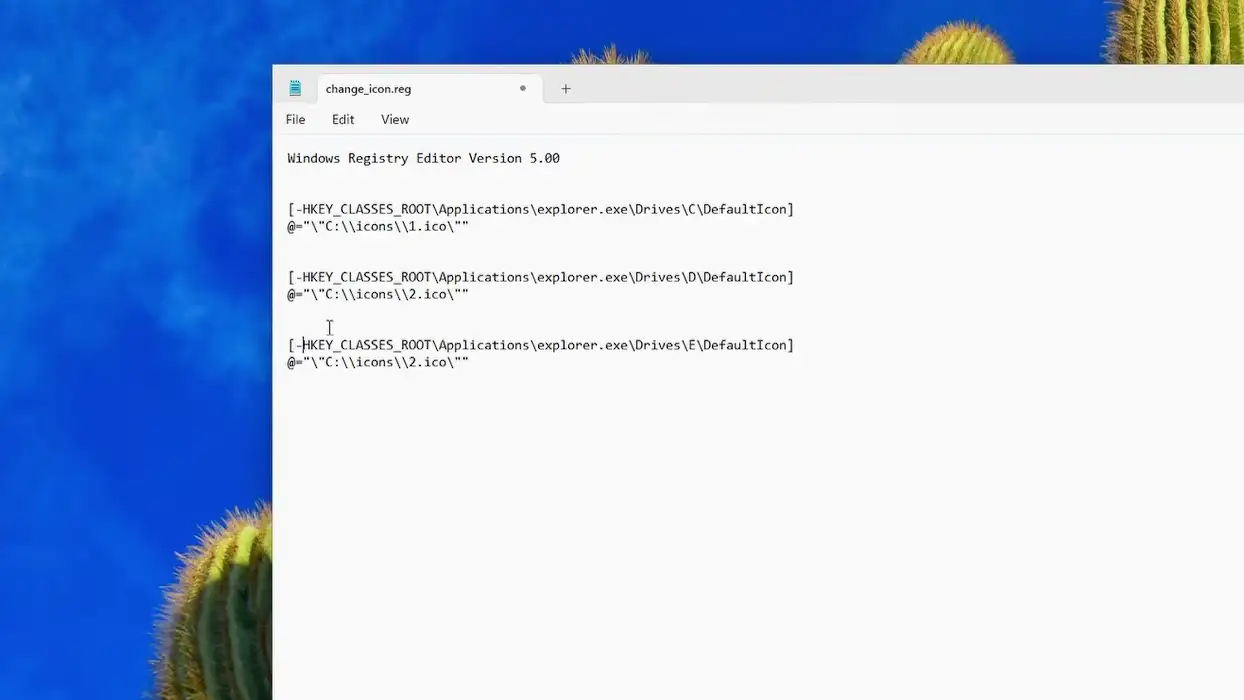
You can also use this method to remove the Bitlocker padlock (without disabling Bitlocker). First, download this .reg file or create one with the following lines.
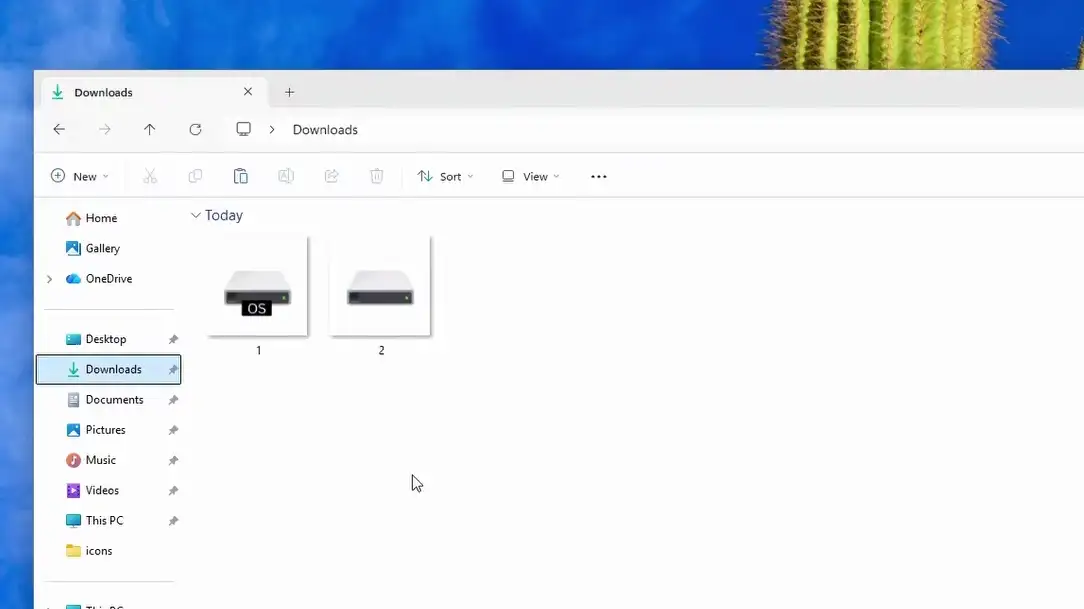
Download some icons in ‘ico’ format. Rename the one used for C: to ‘1’ and the other one to ‘2’
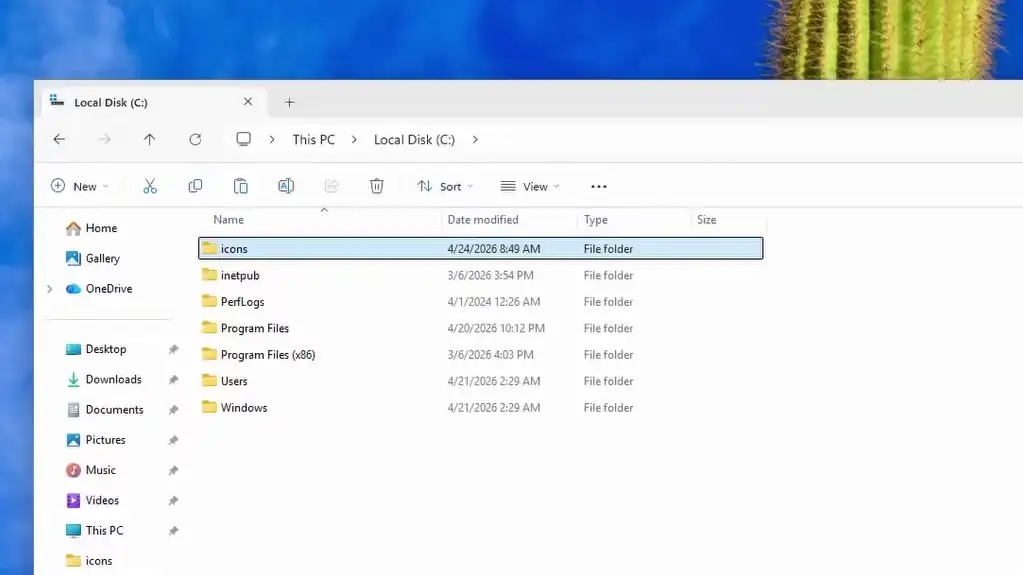
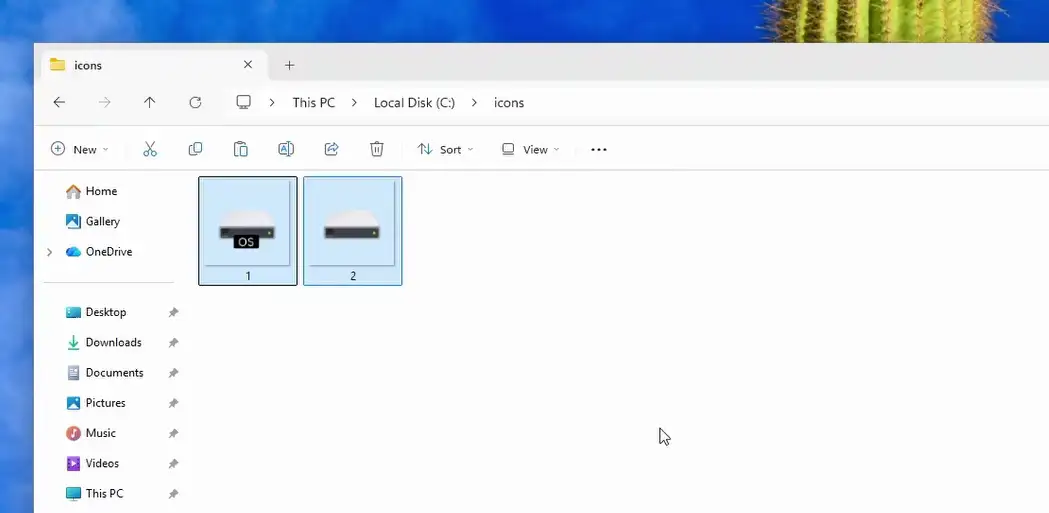
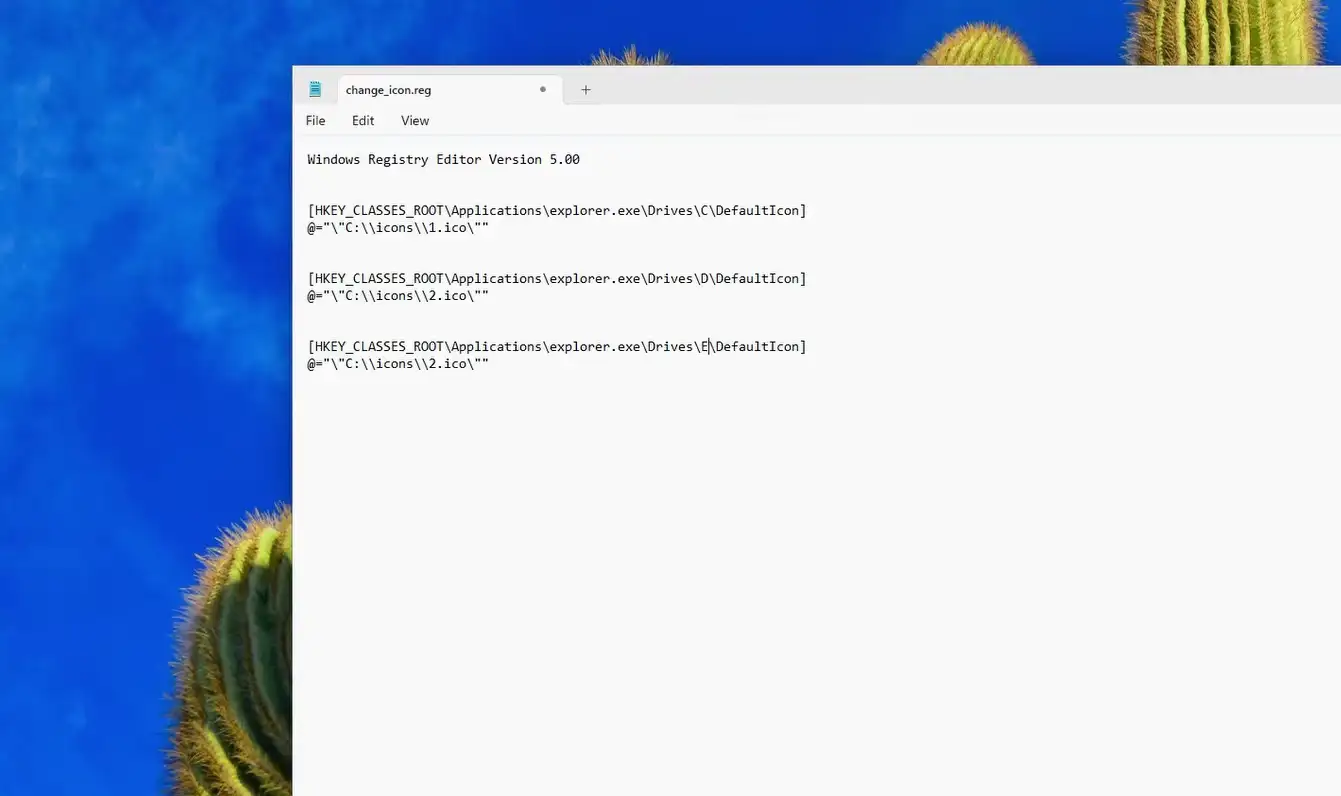
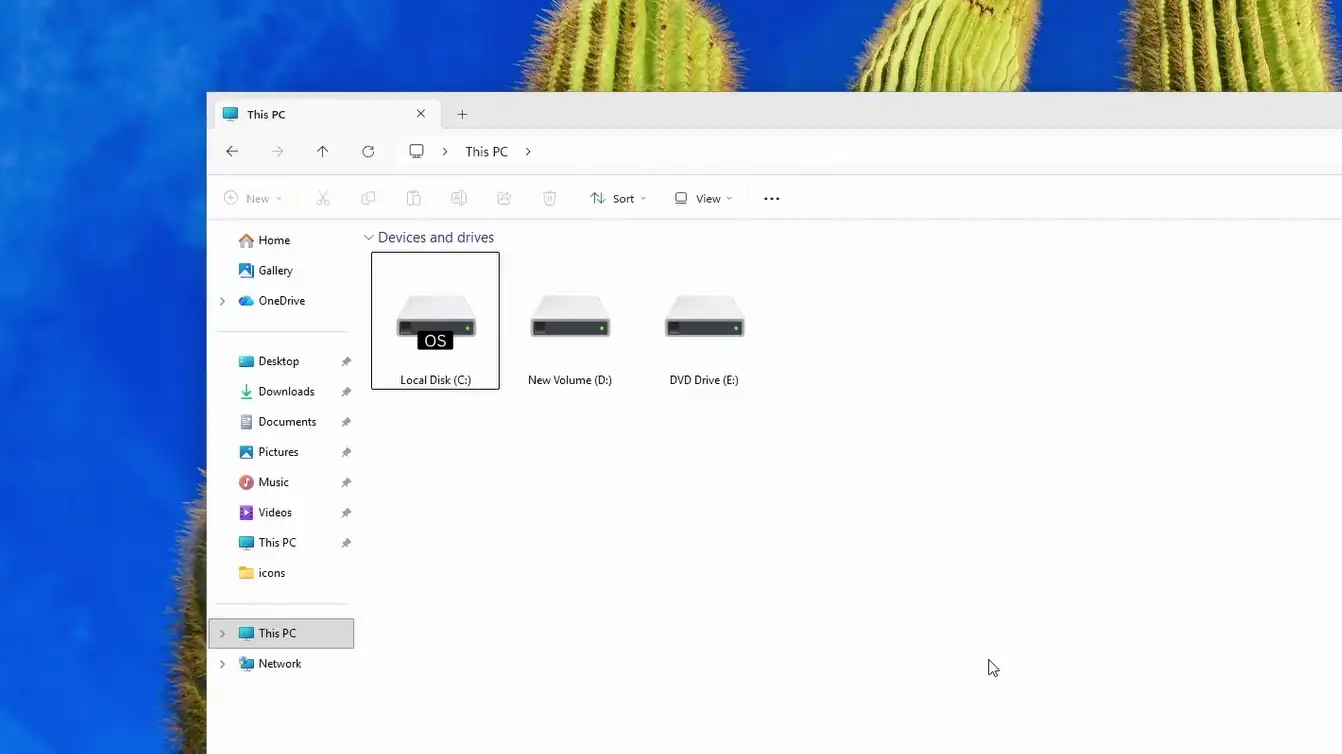
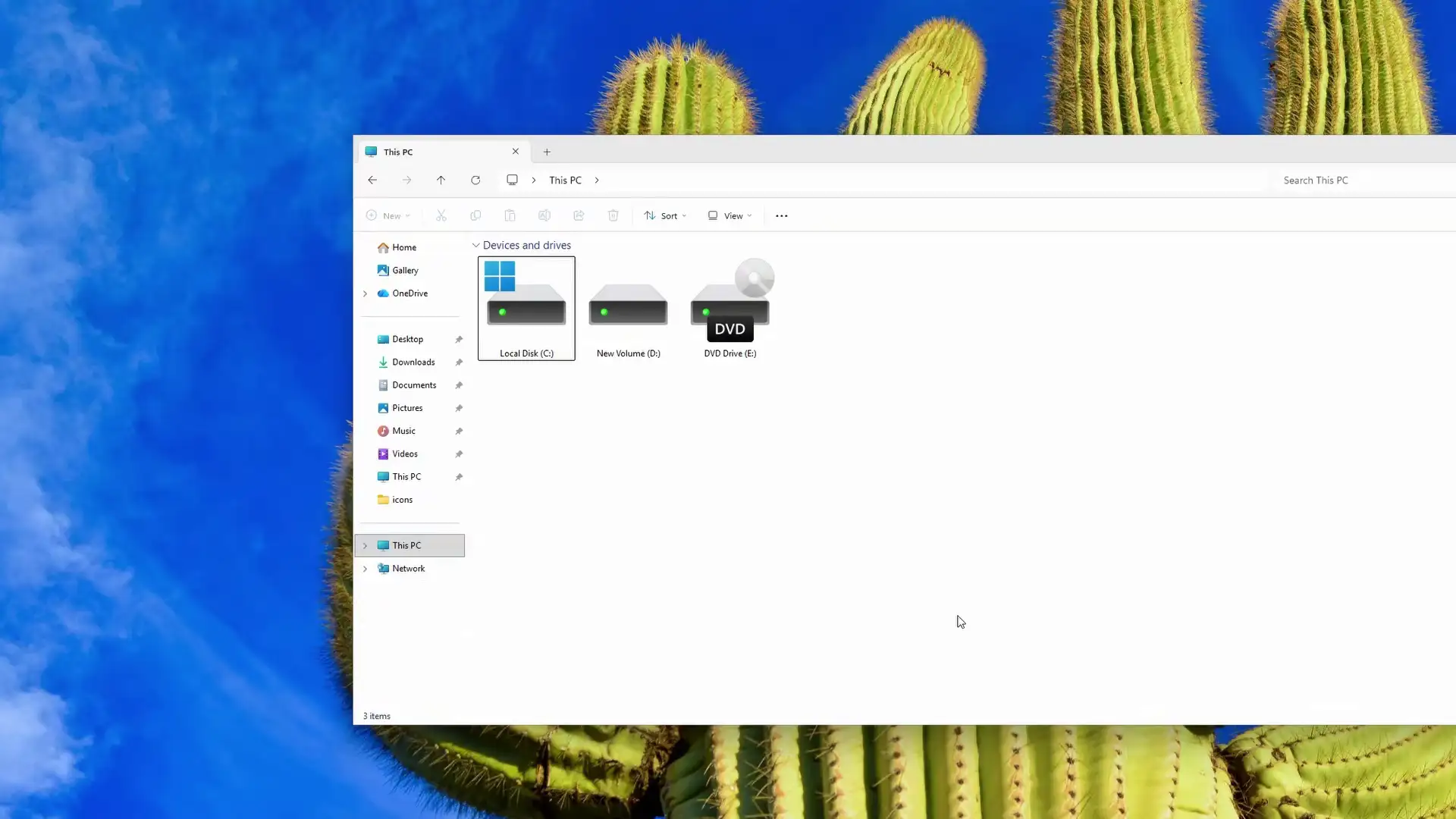
Create a new folder on C: named ‘icons’. Copy both files into the “icons” folderRun the .reg file and confirm the prompts.The icons for C: and D: drives should update after refresh.To change icons for other drives, open the .reg file with Notepad. Duplicate this line and replace “D” with your desired drive letter.Save and run the reg file again.To revert the changes, open the .reg file in Notepad and add a minus sign (-) before HKEY for each drive you want to restore. Save and run.The old icons should be back after refresh.